
01
Capture demand
Answer calls and messages when your team is busy, offline, or already helping someone else.
AI that delivers the outcome
One AI team for chat, voice, and phone calls.
CrosChat answers customers, takes action, captures orders and bookings, and hands off edge cases—so your team can finish more work without adding another shift.
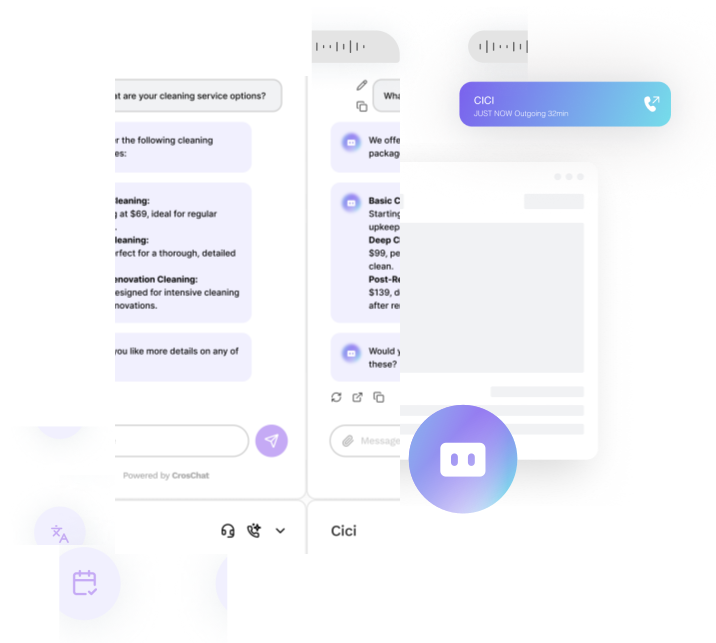
What to check in your demo
Look for clear corrections, explicit approval before alternatives, and a visible human handoff when information is missing. Then ask which channels, tools, and approvals your own setup would require.
Bring a real workflow and review the handoffs before launch.
Start with the customer conversation you want to improve. Then confirm the channels, data, approvals, and human review paths that fit your team with a guided demo.


Review voice prompts, language coverage, and human handoff requirements with the team before choosing a setup.
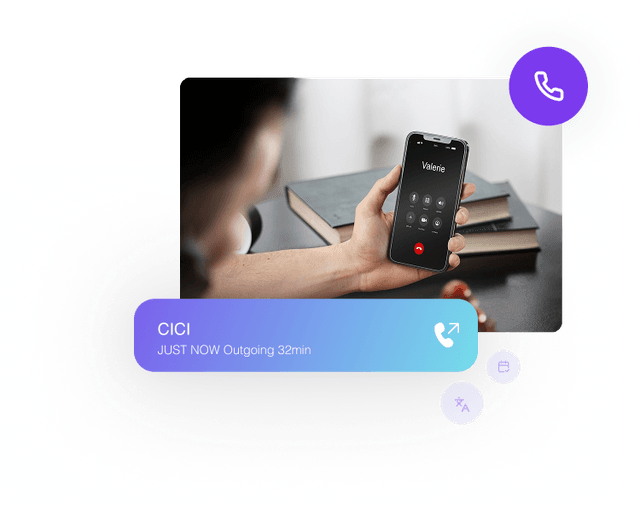

Discuss phone routing, number setup, customer context, and human handoff for your workflow; available options depend on setup.
From question to outcome
Customers do not need another chatbot that says “I can help.” They need a clear answer, a completed action, or a fast handoff.
01
Answer calls and messages when your team is busy, offline, or already helping someone else.
02
Guide a customer to the right answer, capture an order or booking, and trigger the tools you configure.
03
Keep the conversation context intact and hand sensitive or complex requests to a human when needed.
04
Keep the details your team defines in view and hand complex or sensitive requests to a person when needed.
Inspect a concrete workflow
Review corrections, alternative approval, and a pending human handoff before you discuss the channels and approvals your own team would need.
Explore the restaurant sampleKeep your brand
Branding options depend on the channels and workflow you choose. Ask the team which customer-facing controls are available for your setup.
Ask about branding options



Tell us what you want to improve and how our team should follow up.